It is with great pride that I announce the release of SAGE Edu version 1.1.
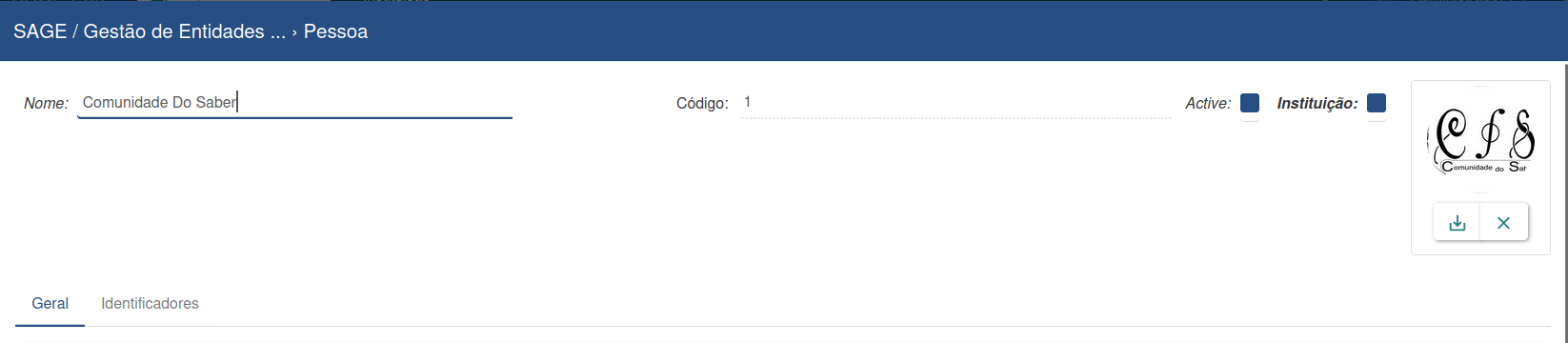
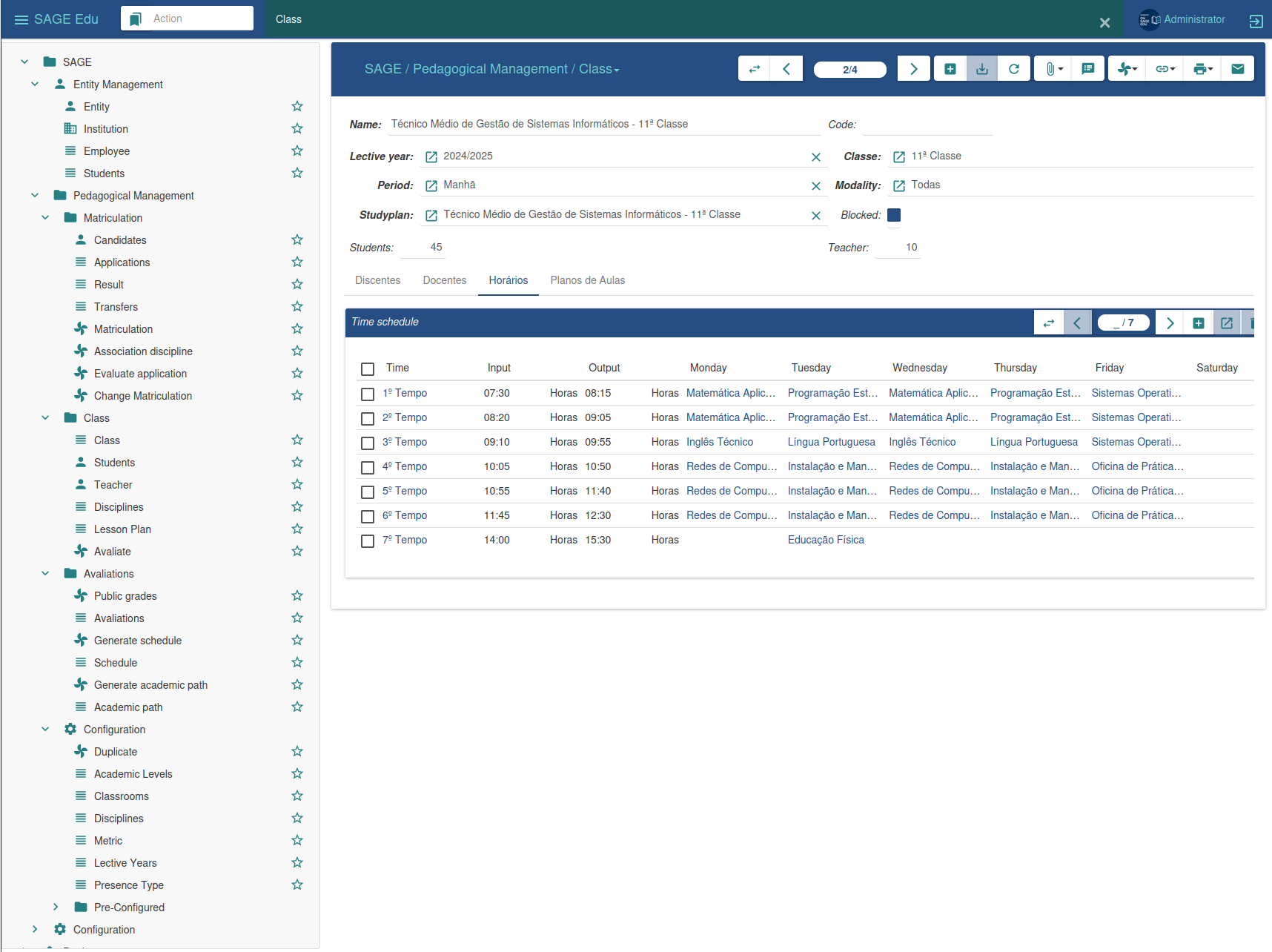
In this release, we published the Dashboard, Matriculation, and Matriculation Confirmation modules to GitHub and PyPI, and we also added support for the party-avatar module.
You can try all new features on the public demo server.
Upgrading from version 1.0 to 1.1 is fully supported.
Highlights of this release
Changes for Users
Client
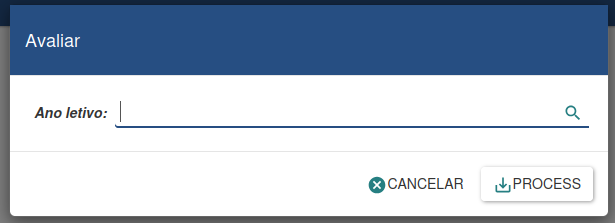
We changed the way students are evaluated at the end of the academic year.
Now, it is only required to pass the academic (lective) year, simplifying the evaluation process.
Access to the demo server has been updated.
Usernames are now in English:
student
teacher
secretary
direction
All use the password: sage_education
admin
admin_fr
admin_pt
Password: sage_admin
Changes for System Administrators
A new installation script has been released to simplify the setup of SAGE Edu 1.1.
Acknowledgements
My sincere thanks to the Tryton Community, especially for the collaboration of Mr. Pierre Michel Augustin and Mr. Calixte Loukov, who contributed significantly to the French translation of SAGE Edu.
Maybe a simple question from a novice. What if I wanted to combine the vanilla Tryton with the Sage Edu modules to have one integrated ERP?. What’s the workflow for that? The students and teachers will see only their modules whereas the finance department sees theirs, with one postgresql behind both in a seamless integration.
Azfar, the short answer is: yes, this is absolutely possible, and Tryton was designed precisely for this type of scenario.
Tryton works as a modular ERP core, where all modules share:
the same PostgreSQL database
the same users, permissions, and groups system
the same workflow engine, business rules, and reporting framework
SAGE Edu fits into this ecosystem not as a separate system, but as a set of additional modules (education, academic, timetable, among others) that coexist natively with Tryton’s “vanilla” modules such as accounting, invoicing, payroll, and stock.
Role-based visibility (who sees what)
The natural setup in a SAGE Edu + Tryton integration is role-based access control:
Students
See only academic modules: classes, grades, calendar, tuition fees, and the status of their obligations.
Teachers
Access class management, assessments, and timetables.
School administration
Manages students, enrollments, and academic reports.
Finance department
Works exclusively with accounting, invoicing, payments, and taxes.
This separation is enforced by Tryton’s own security model (groups, ACLs, and rules), not by UI limitations.
Typical workflow in a SAGE Edu + Tryton integration
A simple and realistic example:
A student is enrolled using SAGE Edu
The enrollment automatically creates:
a party entity
an academic contract
The finance module:
automatically generates tuition invoices
records payments
posts the corresponding accounting entries
The finance team works 100% within Tryton Accounting
The student never sees accounting data, only the status of their academic and financial obligations
Everything happens in the same database, with referential integrity and no data duplication.
Conclusion
What makes SAGE Edu an institutional ERP is precisely the fact that it is built on top of Tryton, leveraging its robust, modular, and extensible ERP core rather than operating as an isolated system with fragile integrations.
This approach ensures:
data consistency
scalability
easier maintenance
and a unified experience for the entire institution
Zacarias, thanks for your prompt reply. I see that the akademy modules are now available on pypi. So what would be the optimal path for an institutional ERP. Install vanilla Tryton and then import akademy modules into it or install Sage and import the vanilla modules.
You would surely have looked at moodle. would we still need that on the top or you envisage getting all these features into Sage.
That’s a very good question — and not a novice one at all. It goes straight to the core of how SAGE Edu is meant to be used in institutional environments.
1. What is the right installation path?
Conceptually, there is no such thing as “installing SAGE first” versus “installing vanilla first” in Tryton.
The optimal (and intended) path is:
Install a standard Tryton server and database, then enable the required modules.
In practice:
You deploy Tryton (server + client/web) in the usual way.
You install modules via pip (or from source), including:
SAGE Edu / akademy modules (education, academic, timetable, enrollment, …)
You activate the required modules in the database.
So SAGE Edu is not a wrapper around Tryton, and vanilla Tryton is not imported into SAGE.
They simply coexist as first-class modules inside a single ERP system.
This is where it’s important to be very clear about scope and philosophy.
Moodle is a Learning Management System (LMS):
course content delivery
quizzes
forums
assignments
SCORM, etc.
SAGE Edu is an Academic and Institutional ERP layer:
students, teachers, and enrollments
academic contracts
calendars and timetables
tuition fees and billing
institutional reporting
tight integration with finance and accounting
So the realistic view today is:
Moodle is not replaced by SAGE Edu
SAGE Edu does not try to compete with Moodle
Instead, the clean architecture is:
Moodle handles learning content
Tryton + SAGE Edu handle institutional data, finance, and governance
Integration happens via APIs where needed (enrollment sync, course lists, results, etc.)
Over time, some LMS-like features can be added to SAGE Edu, but replacing Moodle entirely would be a separate, long-term product decision, not a prerequisite for an institutional ERP.
 Release of SAGE Edu 1.1 – Powered by Tryton
 Release Focus