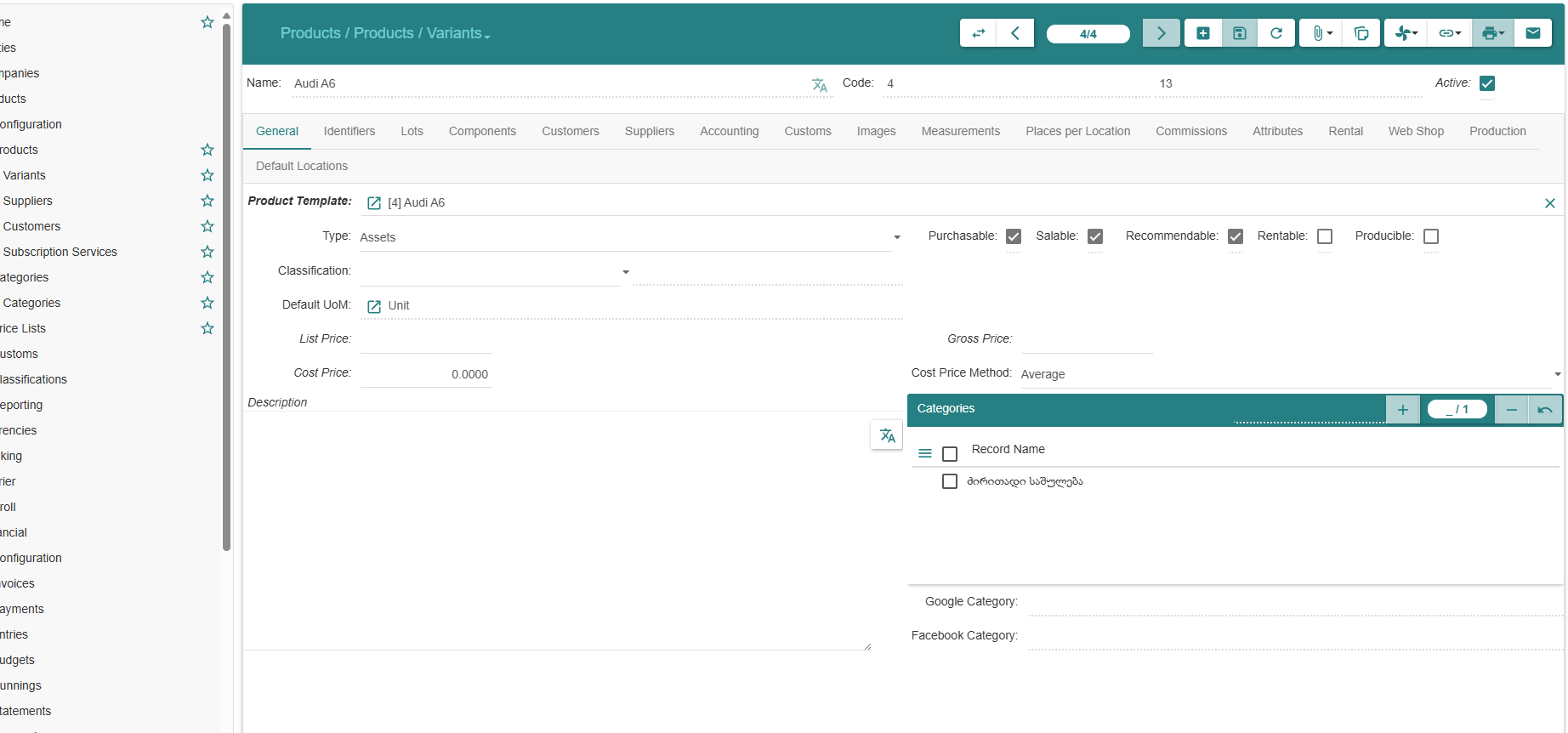
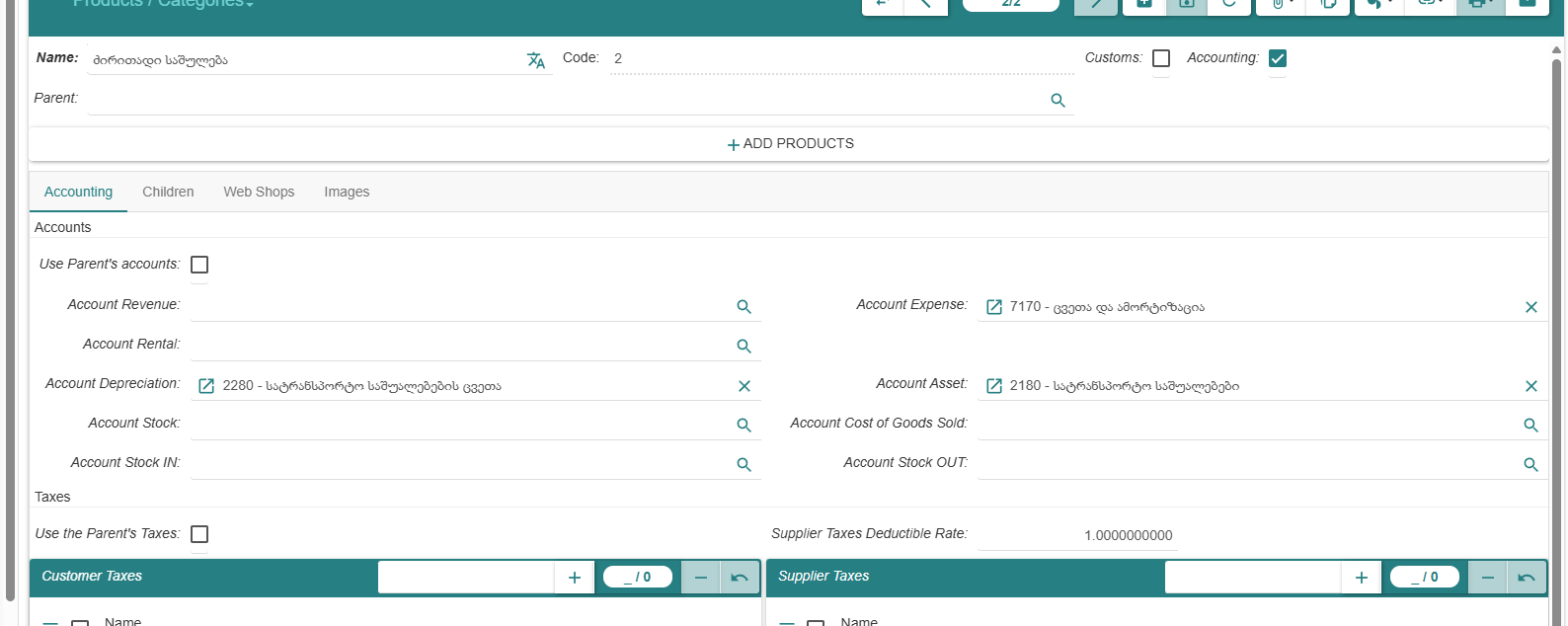
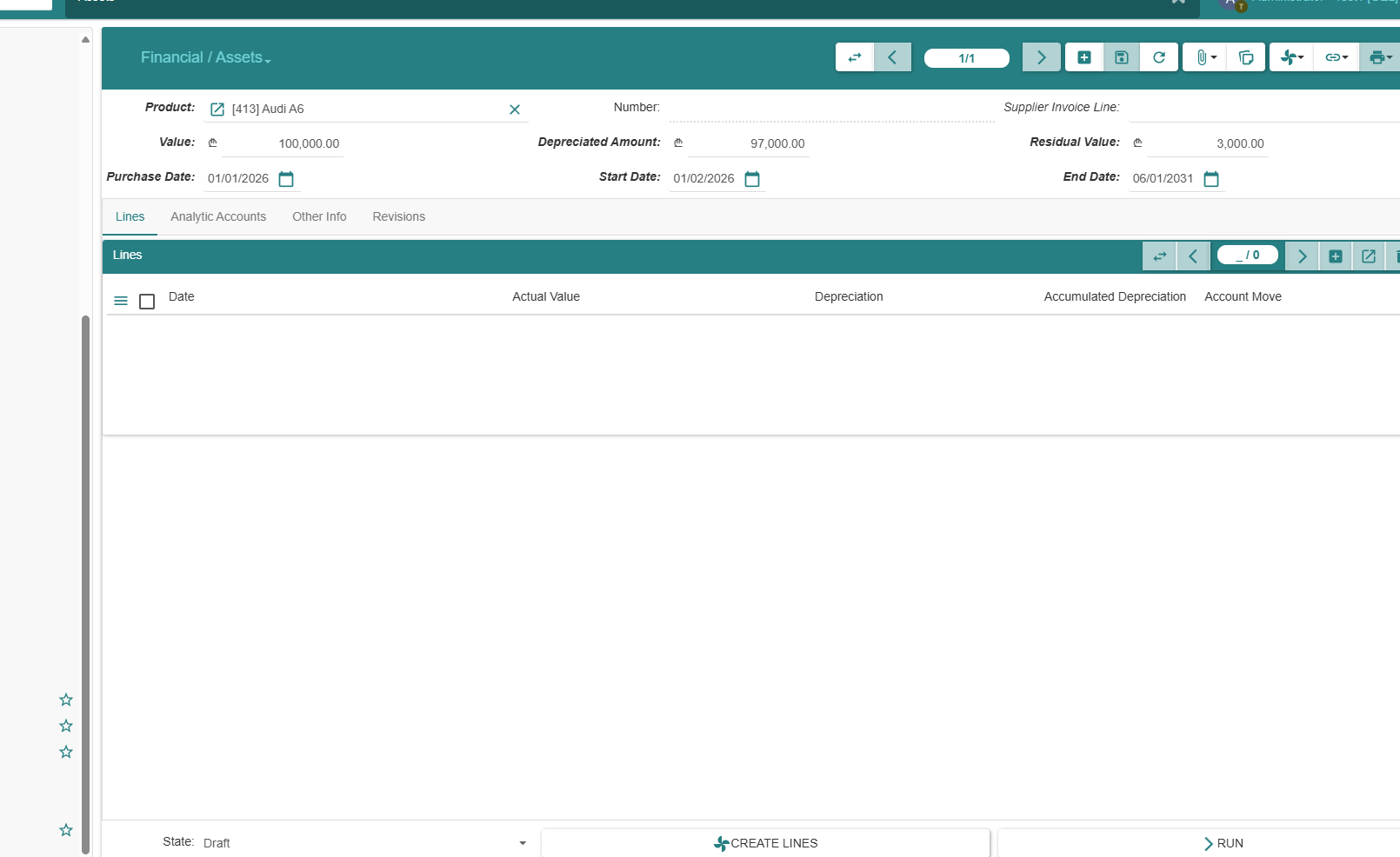
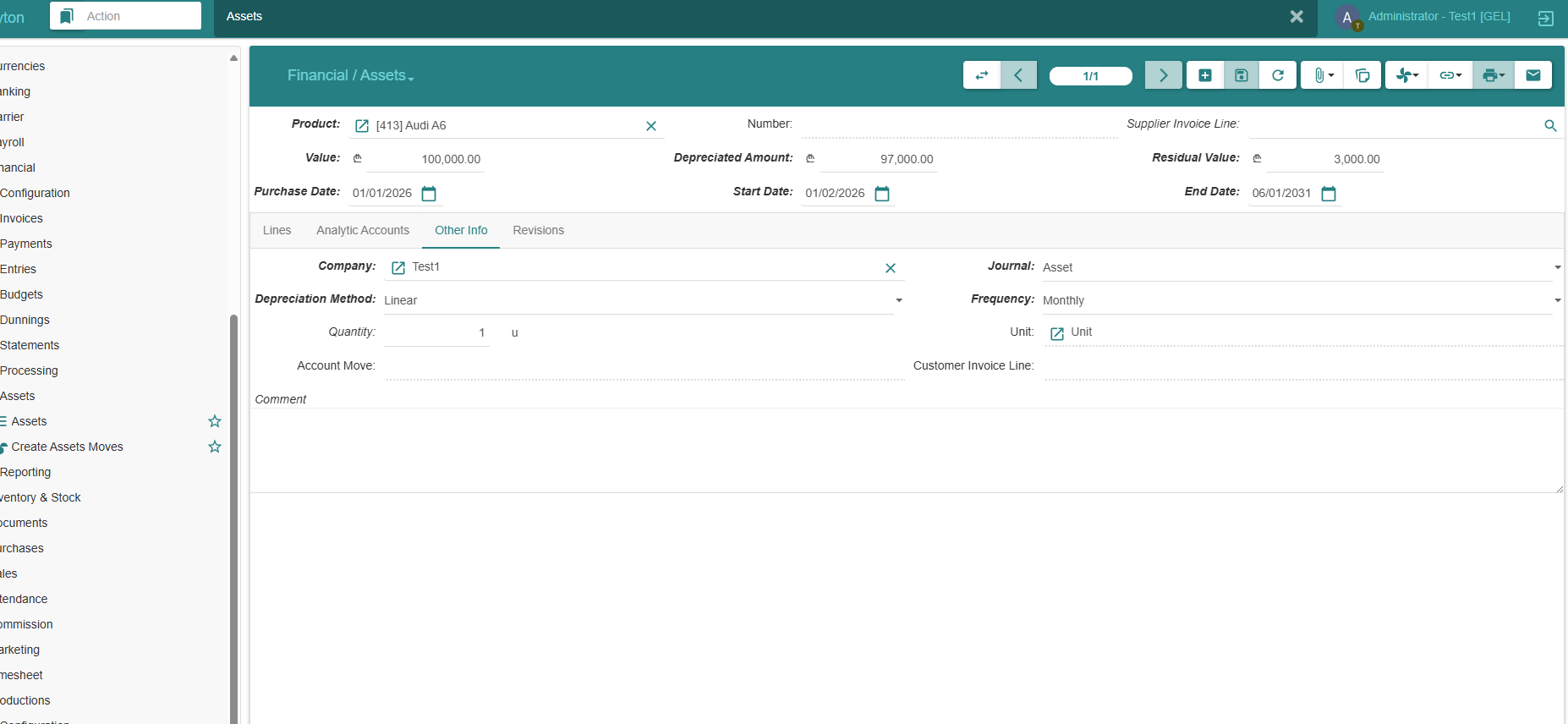
I created an Asset and configured all required fields, but the depreciation schedule/lines are not generated. Tried all options I could find:
-
Action menu items related to “Create Lines / Compute Lines / Recompute / Draft → Running”, etc.
-
Switching tabs (Lines / Other Info) and saving again.
-
Result: no depreciation lines are created (Lines tab stays empty). No error message is shown in the UI. What could prevent Tryton from generating Asset depreciation lines?
-
Missing configuration (accounts, journal, company settings)?
-
Access rights/workflow state?
-
Known issue in SAO / assets module?
-
How can I force recompute of lines (schedule only), without creating accounting moves?
Thank you.
-