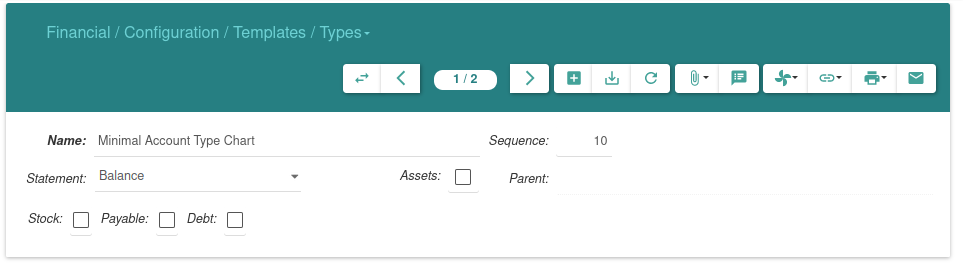
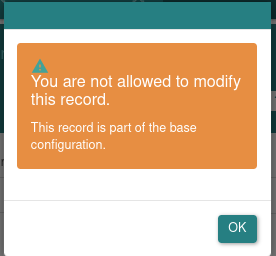
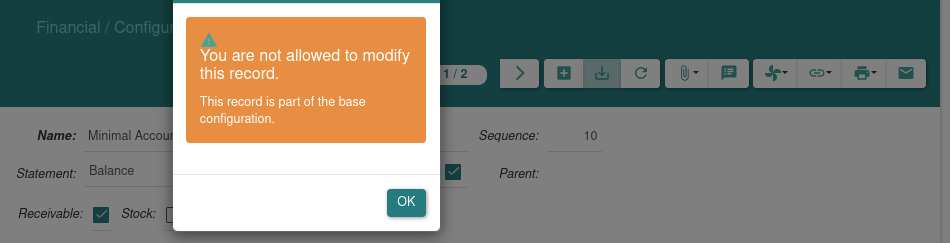
You can not modify the templates because they are created from a XML definition in the module.
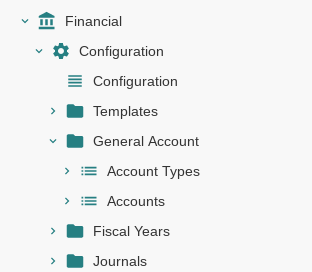
Indeed if you need adaptation for your chart of account, it is the types in “Financial > Configuration > General Account” that you can modify once you have checked the “Override Template” box.
Hi,
i didn’t find something like "General Account” that u mention it to me, i just go “Financial > Configuration > Default Account Receivable and create a new one by choosing “Balance” and checked “Assets” and “Receivable” , then i click on "update chart of accounts from templates .
Am sorry for distribing, what do you mean here by i can’t modify the templates because they are created from a XML definition , if we can not modifie it so what’s the need of displaying this form view if we can not register the records on it!
Thank you @ced and if i want to use them ,How i could do that properly because when i try to make a new invoice i think i should be able to choose the taxes, tax codes, etc from this templates. But I can’t, I still just can use the same taxes templates that I made for the Minimal KontentPlan and nothing with the new SKR03.
So I’m still trying to make it happen, and I want to reach the goal of telling the tryton that this (the SKR03) is the new Chart of account we are using .
Indeed you have to create accounts, types, taxes (not templates).
This can be done automatically using a template like explained in Setup — Tryton module for accounting