# How to reset a password through web interface
**URL:** https://discuss.tryton.org/t/how-to-reset-a-password-through-web-interface/3182
**Category:** System Administrator
**Created:** [September 3, 2020, 9:54pm UTC](https://discuss.tryton.org/t/how-to-reset-a-password-through-web-interface/3182 "2020-09-03T21:54:38Z")
**Posts on this page:** 5
**Page:** 1
### Author:  [@douglas](https://discuss.tryton.org/u/douglas)
#### Post date: [September 3, 2020, 9:54pm UTC](https://discuss.tryton.org/t/how-to-reset-a-password-through-web-interface/3182/1 "2020-09-03T21:54:38Z")
Hello,
I would like to change a password but it is not obvious to me what to do first through the web the interface (version 5.6).
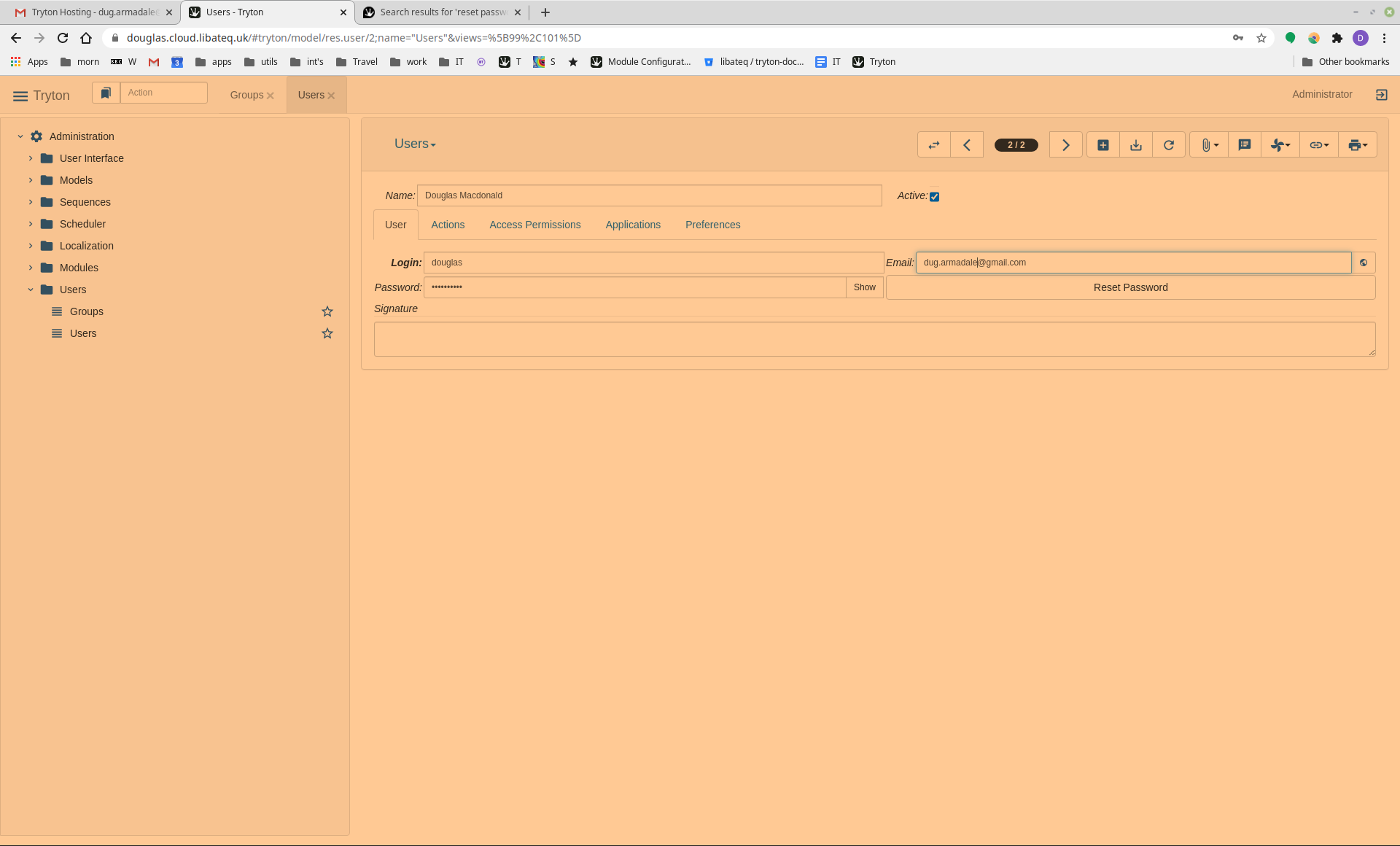
Which should I do?
- First start typing in the password field then press `Reset Password`.
or
- Press `Reset Password` first and a dialogue will appear.
(It would be more obvious if the option not to be taken were greyed out or inactive.)
Thank you,
Douglas
---
### Author:  [@ced](https://discuss.tryton.org/u/ced)
#### Post date: [September 3, 2020, 10:33pm UTC](https://discuss.tryton.org/t/how-to-reset-a-password-through-web-interface/3182/2 "2020-09-03T22:33:53Z")
You can fill a new password and save.
Or you can click on reset password to generate a new one that will be sent to the user email address (there is a tooltip on the button that explains that).
---
### Author:  [@douglas](https://discuss.tryton.org/u/douglas)
#### Post date: [September 4, 2020, 3:17pm UTC](https://discuss.tryton.org/t/how-to-reset-a-password-through-web-interface/3182/3 "2020-09-04T15:17:30Z")
Thank you for your answer. I understand and it works.
I have a follow up query about changing the admin password through the web interface, series 5.6.
Part way through, browser `popup` appears during password change. Not sure what it was for or if it is problem with Tryton or browser.
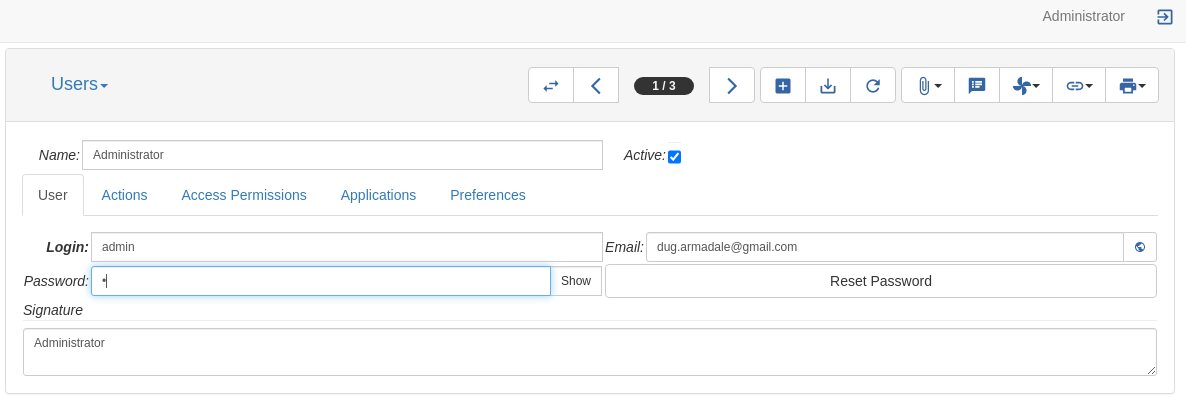
**Enter new password**
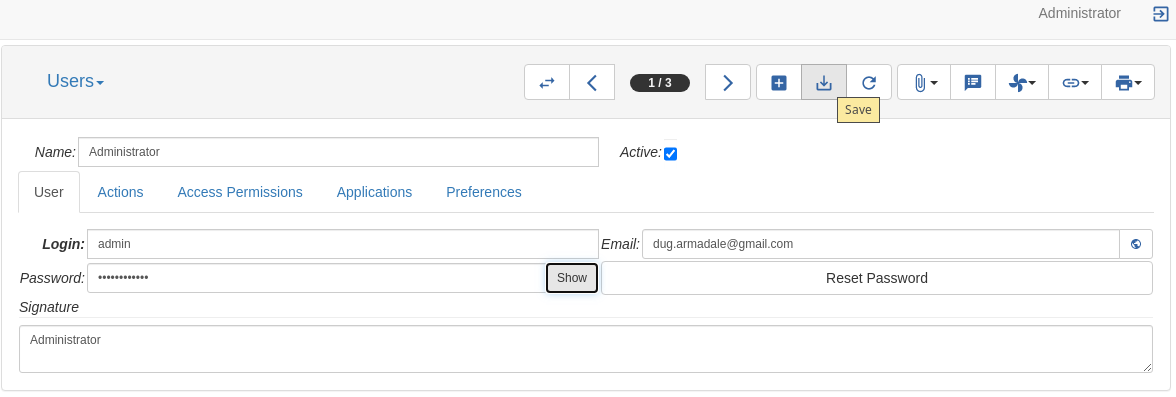
**Save**
**A pop-up appears that I have not been able to figure out how to satisfy it. I found that cancelling it was the only thing that worked for me.**
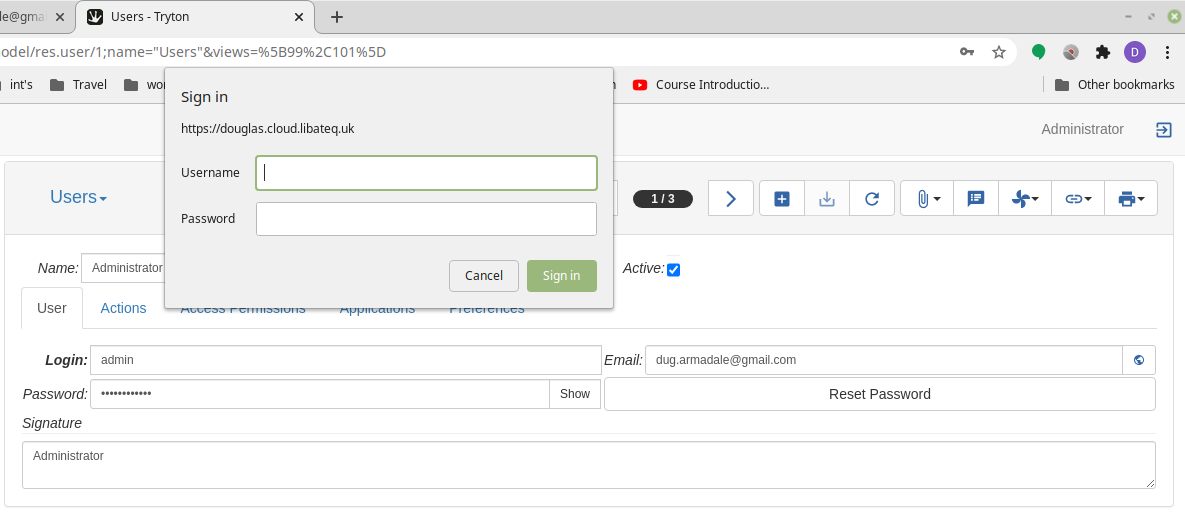
**Cancel. Then another dialogue appears.**
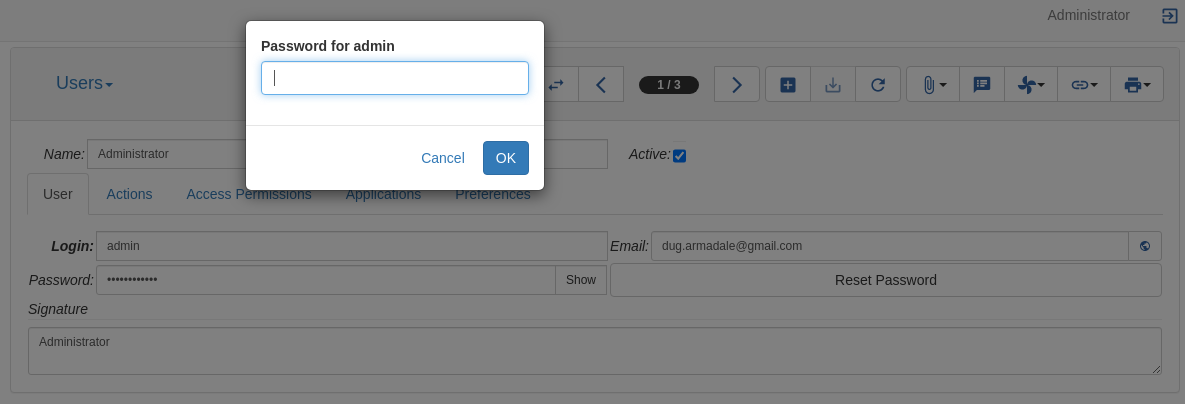
**Enter the NEW password. (This could be more explicit.) I think the logic of this is to log back in with the updated password rather than confirmation of password.**

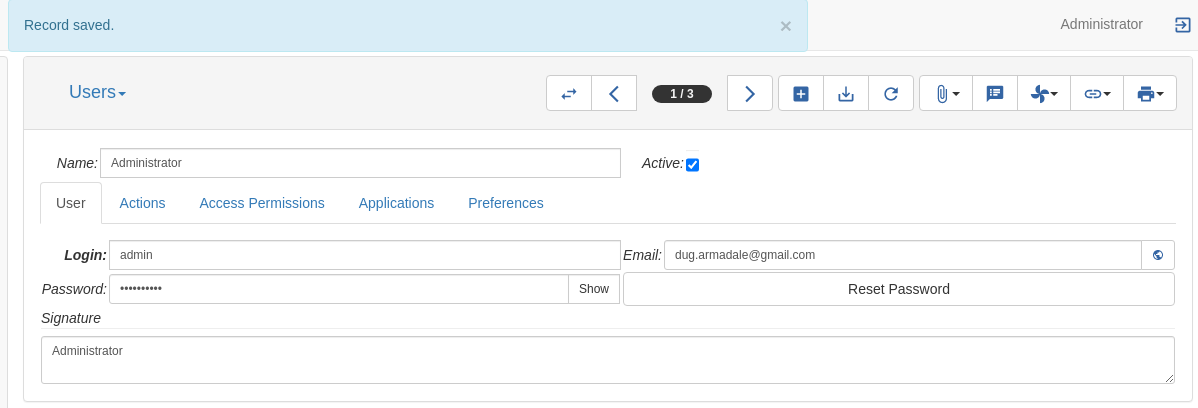
**At this point says the record saved.**
Thanks,
Douglas
---
### Author:  [@ced](https://discuss.tryton.org/u/ced)
#### Post date: [September 4, 2020, 3:29pm UTC](https://discuss.tryton.org/t/how-to-reset-a-password-through-web-interface/3182/4 "2020-09-04T15:29:14Z")
> [@douglas](#):
>
> A pop-up appears that I have not been able to figure out how to satisfy it. I found that cancelling it was the only thing that worked for me.
It should be fixed by [Authentication popup on RPC request (#9535) · Issues · Tryton / Tryton · GitLab](https://bugs.tryton.org/issue9535).
---
### Author:  [@system](https://discuss.tryton.org/u/system)
#### Post date: [October 4, 2020, 3:29pm UTC](https://discuss.tryton.org/t/how-to-reset-a-password-through-web-interface/3182/5 "2020-10-04T15:29:15Z")
This topic was automatically closed 30 days after the last reply. New replies are no longer allowed.