# How the sao client works
**URL:** https://discuss.tryton.org/t/how-the-sao-client-works/6906
**Category:** Developer
**Tags:** sao
**Created:** [January 25, 2024, 9:04pm UTC](https://discuss.tryton.org/t/how-the-sao-client-works/6906 "2024-01-25T21:04:29Z")
**Posts on this page:** 6
**Page:** 1
### Author:  [@beniche](https://discuss.tryton.org/u/beniche)
#### Post date: [January 25, 2024, 9:04pm UTC](https://discuss.tryton.org/t/how-the-sao-client-works/6906/1 "2024-01-25T21:04:29Z")
how the sao client works with tryton ?
---
### Author:  [@udono](https://discuss.tryton.org/u/udono)
#### Post date: [January 25, 2024, 9:12pm UTC](https://discuss.tryton.org/t/how-the-sao-client-works/6906/2 "2024-01-25T21:12:47Z")
here you can find information to install sao and configure trytond:
> **[sao/README.md · branch/default · Tryton / Tryton · GitLab](https://foss.heptapod.net/tryton/tryton/-/blob/branch/default/sao/README.md)**
>
> Business Software Modularity, scalability & security for your business Documentation Contribute
---
### Author:  [@beniche](https://discuss.tryton.org/u/beniche)
#### Post date: [January 25, 2024, 9:14pm UTC](https://discuss.tryton.org/t/how-the-sao-client-works/6906/3 "2024-01-25T21:14:58Z")
I’ve installed all of its add-ons, but I’m still told that the customer sao is not fully installed. Please refer to README
---
### Author:  [@beniche](https://discuss.tryton.org/u/beniche)
#### Post date: [January 25, 2024, 8:34pm UTC](https://discuss.tryton.org/t/how-the-sao-client-works/6906/4 "2024-01-25T20:34:43Z")
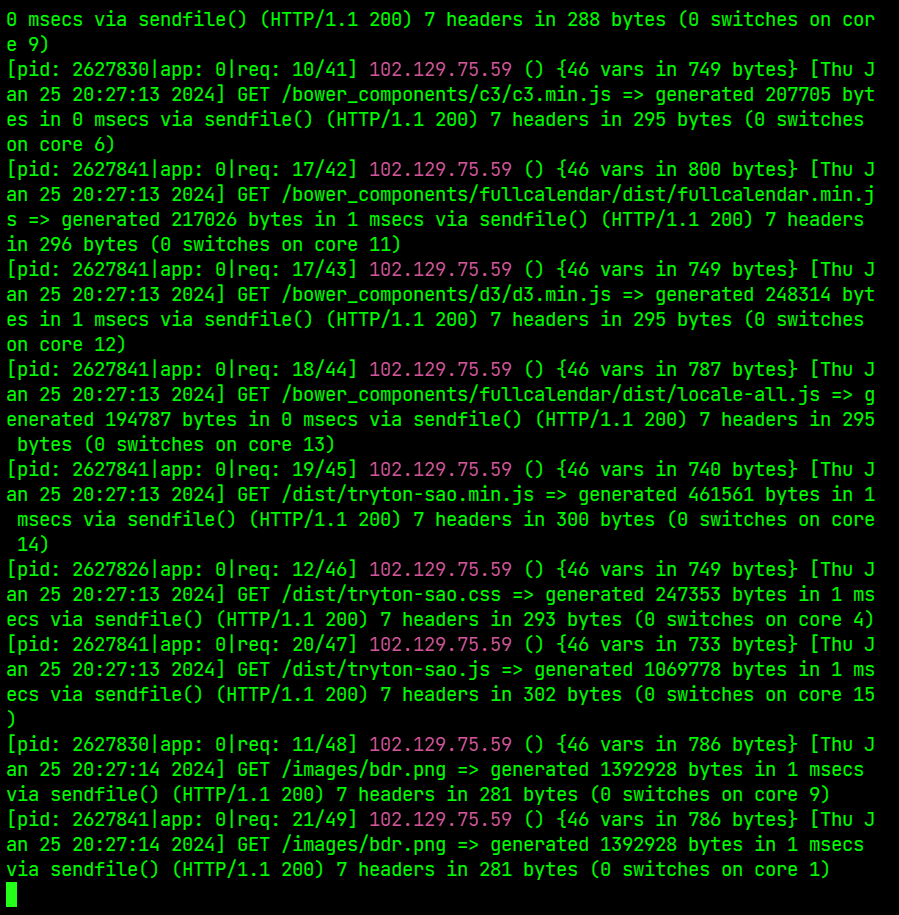
hello community, i installed tryton on my ubuntu server with the sao client, everything was working correctly, i used nginx,uwsgi, supervisor, nodejs but for a while the sao client only answers me several times even though all the configuration i did was working.

here’s the capture of my log, there’s no error I don’t know why
---
### Author:  [@AndreasL](https://discuss.tryton.org/u/AndreasL)
#### Post date: [March 18, 2024, 1:34pm UTC](https://discuss.tryton.org/t/how-the-sao-client-works/6906/5 "2024-03-18T13:34:13Z")
Hi @beniche ,
I got the same error as you and it seems that you have to run the “developpement” task to properly bundle `sao` in the dist folder.
So, what you have to do is (not that I don’t specify the grunt task, as `grunt dev` does not minify the content which is needed by sao):
```sh
npm install --legacy-peer-deps
grunt
```
If you don’t have `grunt` in your PATH, try using npx :
`npx grunt`
It worked for me, but now I have an “incompatible version” error, seems like I didn’t use the same version as the one installed via `pip`, but it’s another subject…
Andréas
---
### Author:  [@system](https://discuss.tryton.org/u/system)
#### Post date: [April 15, 2024, 8:18am UTC](https://discuss.tryton.org/t/how-the-sao-client-works/6906/6 "2024-04-15T08:18:36Z")
This topic was automatically closed 12 hours after the last reply. New replies are no longer allowed.