# Default Binary Image
**URL:** https://discuss.tryton.org/t/default-binary-image/2000
**Category:** Developer
**Created:** [November 26, 2019, 5:40am UTC](https://discuss.tryton.org/t/default-binary-image/2000 "2019-11-26T05:40:23Z")
**Posts on this page:** 9
**Page:** 1
### Author:  [@Rajasekhar](https://discuss.tryton.org/u/Rajasekhar)
#### Post date: [November 26, 2019, 5:40am UTC](https://discuss.tryton.org/t/default-binary-image/2000/1 "2019-11-26T05:40:24Z")
Hello.
I have given a test.svg as a default image for the binary field.
The picture gets displayed in my localhost but when I push the code to the server, it throws an error saying the “test.svg” file not found.
How do I rectify this?
---
### Author:  [@ced](https://discuss.tryton.org/u/ced)
#### Post date: [November 26, 2019, 8:56am UTC](https://discuss.tryton.org/t/default-binary-image/2000/2 "2019-11-26T08:56:39Z")
Probably that the `test.svg` file is not installed by your deployment. Is it define as `package_data` in your `setup.py`?
---
### Author:  [@Rajasekhar](https://discuss.tryton.org/u/Rajasekhar)
#### Post date: [November 27, 2019, 5:34am UTC](https://discuss.tryton.org/t/default-binary-image/2000/3 "2019-11-27T05:34:25Z")
Yes, it is defined in my setup.py as package\_data.
---
### Author:  [@ced](https://discuss.tryton.org/u/ced)
#### Post date: [November 27, 2019, 8:56am UTC](https://discuss.tryton.org/t/default-binary-image/2000/4 "2019-11-27T08:56:45Z")
Are you opening it using the `trytond.tools.file_open` function?
This method should be used because setuptools may put the file in different places depending on your setup, OS etc.
---
### Author:  [@Thedevilcoder](https://discuss.tryton.org/u/Thedevilcoder)
#### Post date: [December 2, 2019, 7:11am UTC](https://discuss.tryton.org/t/default-binary-image/2000/5 "2019-12-02T07:11:19Z")
I found out that there are no files or folders related to my module in my trytond/modules directory
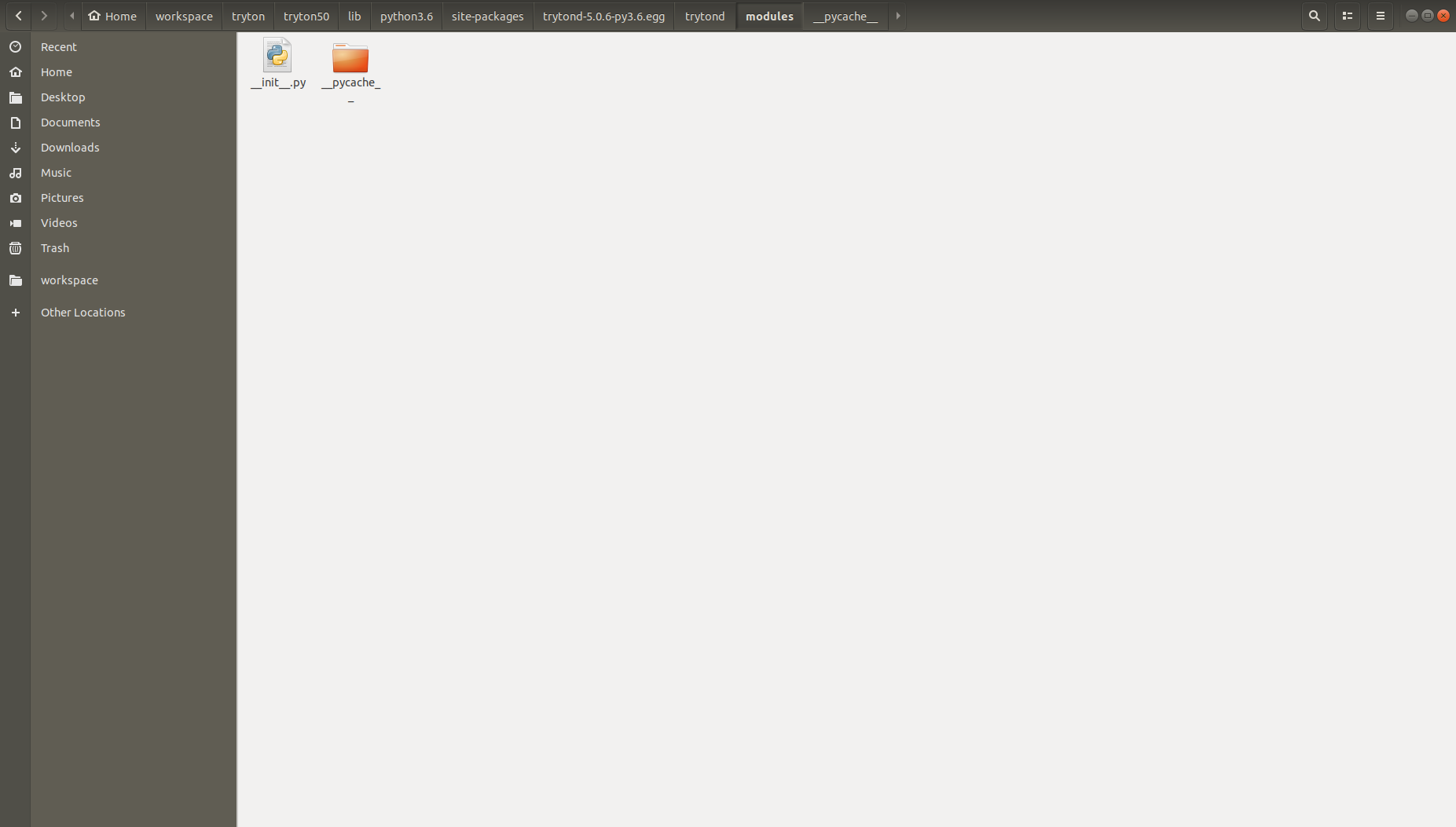
The images are in this folder
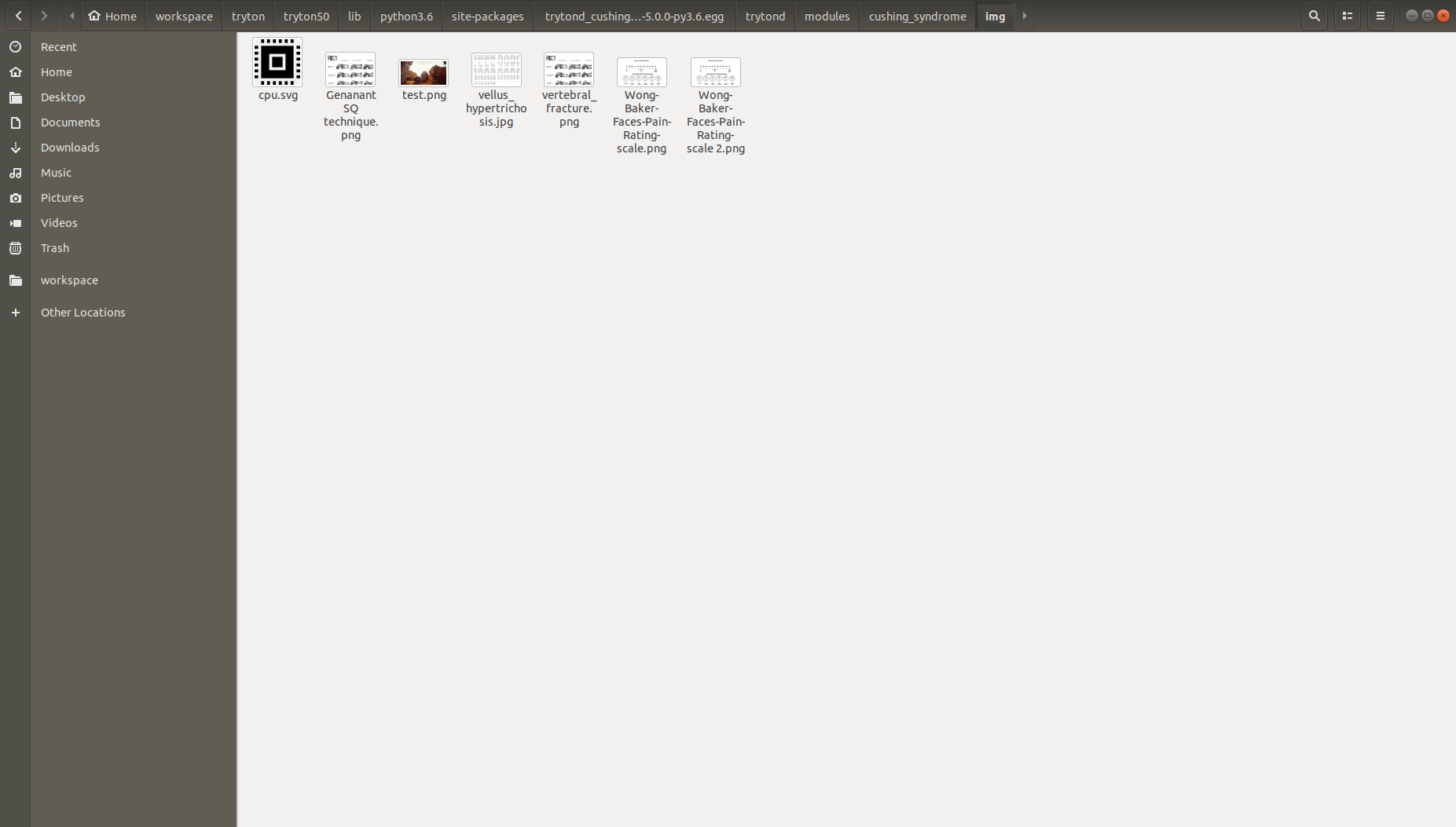
But I can’t open from here because of the secure\_join function of file\_open and the root that file\_open takes is _location of python virtual environment_/lib/python3.6/site-packages/trytond-5.0.6-py3.6.egg/trytond
Please help
---
### Author:  [@ced](https://discuss.tryton.org/u/ced)
#### Post date: [December 2, 2019, 9:12am UTC](https://discuss.tryton.org/t/default-binary-image/2000/6 "2019-12-02T09:12:31Z")
The files used by a module must be installed inside this module. So I suspect that the `package_date` is not correctly setup such that the installation put them in the module.
---
### Author:  [@kakamble](https://discuss.tryton.org/u/kakamble)
#### Post date: [December 2, 2019, 10:18am UTC](https://discuss.tryton.org/t/default-binary-image/2000/7 "2019-12-02T10:18:23Z")
The package\_data for this module is as follows

---
### Author:  [@edbo](https://discuss.tryton.org/u/edbo)
#### Post date: [December 2, 2019, 12:56pm UTC](https://discuss.tryton.org/t/default-binary-image/2000/8 "2019-12-02T12:56:57Z")
The location seems a bit weird to me.
> [@Thedevilcoder](#):
>
> _python virtual environment_ /lib/python3.6/site-packages/trytond-5.0.6-py3.6.egg/trytond
Shouldn’t this be _python virtual environment_ /lib/python3.6/site-packages/trytond ? This is where all my tryton data lives is.
---
### Author:  [@Thedevilcoder](https://discuss.tryton.org/u/Thedevilcoder)
#### Post date: [December 3, 2019, 7:19am UTC](https://discuss.tryton.org/t/default-binary-image/2000/9 "2019-12-03T07:19:05Z")
I finally solved this problem
The path to be given is _module\_name_/_path\_to\_test.svg\_relative\_to\_module\_name_